Government
Lynx Council Meetings - Call Controls
The chair runs the sitting from inside the video call
lynx_council_meetings_control
· v19.0.1.0.1
· Standard

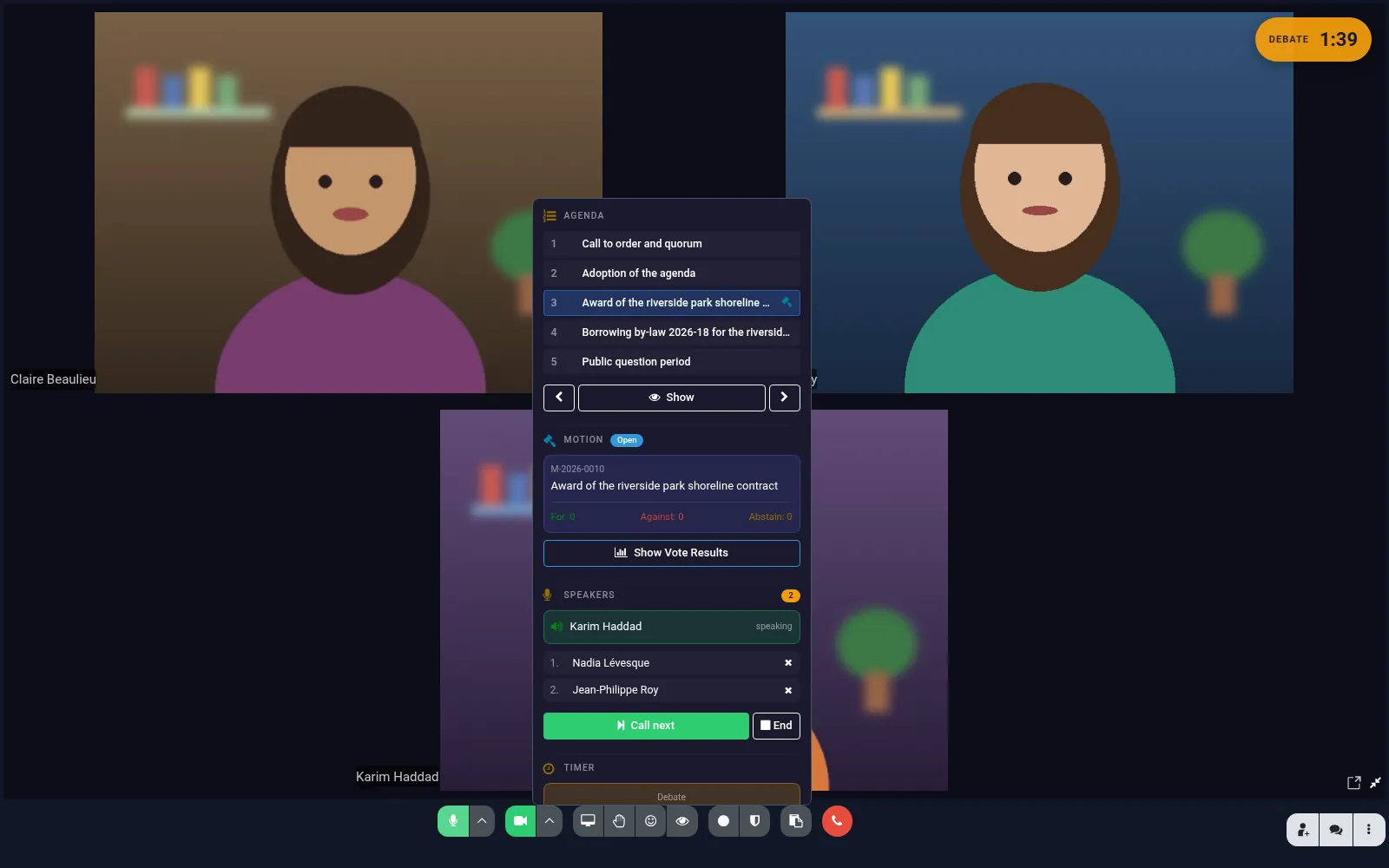
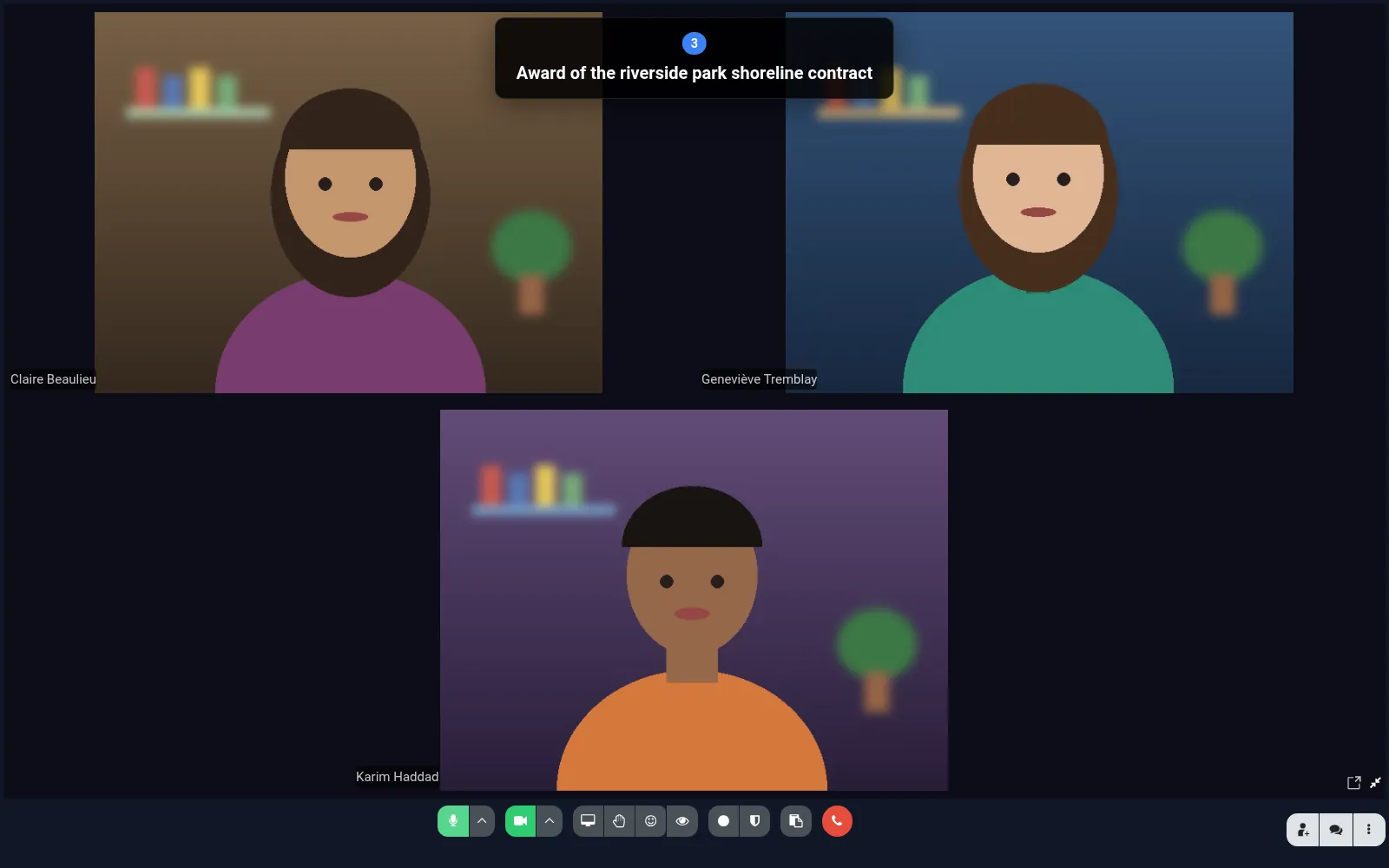
Adds a council panel to the Lynx Discuss call. The chair moves through the agenda, and each change is shown on every participant’s screen and noted in the chat. The panel also shows a motion’s vote result to everyone, manages a raised-hand speaker queue and runs a shared speaking timer.
Requires Lynx Council Meetings and Lynx Discuss call controls.
Why teams pick it
What Lynx Council Meetings - Call Controls does for you
Agenda navigation
Previous, next or any item; only the chair can move, and each item records when it started.
Vote results on screen
Show the current motion’s for, against and abstain counts and outcome on every participant’s screen.
Speaker queue
Participants join the queue; the chair calls the next speaker, who gets the floor and an optional timer.
Shared timer
Start, pause, resume or extend a timer everyone sees; a message is posted when time is up.
Product tour
See it in action
Try Lynx Council Meetings - Call Controls on your team.
Free trial, no credit card. Talk to sales when you're ready.